by
by In a 2026 Lindenwood University study, AI built a tavern scene in 238 minutes. The human artist needed 716. The AI version also carried 32.78 million triangles. The human one had 293,828.
Text-to-3D gives you a fast first draft and a big cleanup bill. Below are the eight tools worth your money for game work, ranked. For each one: the settings that shrink that bill, the real cost per model, and the licence trap in its free tier. Meshy leads for textured props. Tripo leads for clean topology and rigs.
Research-based picks, checked against each tool’s docs, pricing pages, licence terms and published tests.
Quick picks#
| Tool | Best for | Text mode | Paid from | Free tier for commercial games? |
|---|---|---|---|---|
| Meshy | Textured props, beginners | Text or image | $20/mo | Yes, with credit to Meshy (CC BY 4.0) |
| Tripo | Clean topology, quads, rigs | Text or image | $20/mo | No (non-commercial) |
| Hyper3D Rodin | Buildings, size-controlled props | Text becomes an image first | $30/mo | Pay as you go ($0.75 per kept model) |
| Tencent HY 3D | Clean geometry via API | Text or image | $15 per 1,000 credits | Yes, via the API (200 free credits) |
| Sloyd | Lots of simple props, flat fee | Text or image | $15/mo | No (personal use) |
| Unity 3D Object Generator | Static props inside Unity | Text becomes an image first | $10/mo (Personal) | Trial only |
| Autodesk Wonder 3D | Free experiments | Text, image or sketch | Free tier | Free credits, Autodesk terms apply |
| TRELLIS.2 / Pixal3D | Free, local, commercially clean | Image only | Free (your GPU) | Yes (MIT) |
How text-to-3D works (and why it changes what you buy)#
Most text-to-3D tools turn your prompt into a picture first. Then they turn the picture into a mesh.
Rodin’s API docs say it outright: “The prompt is first rendered to an image.” Spline, Ludo, Kaedim and Unity’s generator document the same two-step route. Even Microsoft’s TRELLIS team says its text models are “less creative and detailed due to data limitation” than its image models.
So when you compare tools, compare how well they turn a reference image into a clean mesh. It’s also why the strongest game workflow is image-to-3D with concept art you control, so every asset keeps the same style and proportions.
The output also needs work. Generators extract a dense, triangulated shell with one texture set. Static props survive that, but characters don’t, because anything that bends needs edge loops at the joints and no tool reliably builds them yet.
The 8 best text-to-3D tools for game assets#
1. Meshy: best for textured props and fast iteration#
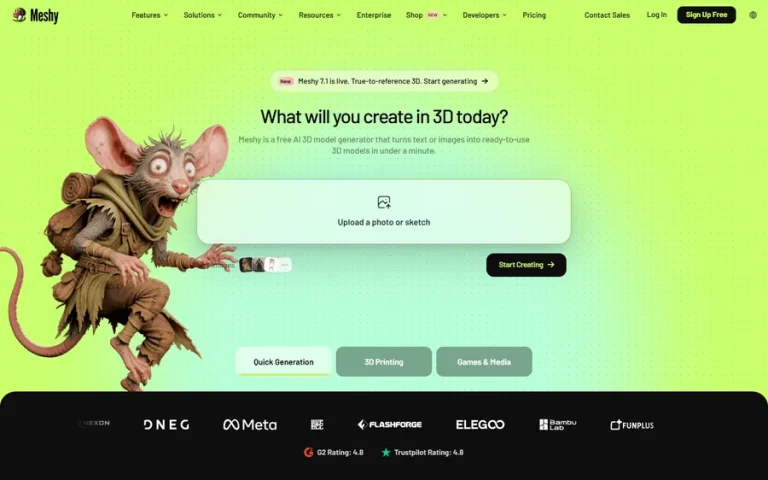
Meshy’s strength is texture. In a three-tool test written by a Meshy technical artist, Meshy led on textured output but came last on raw shape. Meshy 6 sits third on 3D Arena, a public leaderboard of human votes on image-to-3D results.
- Game settings: Remesh to a target between 100 and 300,000 faces (default 30,000). In the web app, remesh, rigging and animation cost 0 credits. The free plan only offers a 10K remesh target.
- Textures: PBR maps (base colour, metallic, roughness, normal) up to 8K. Turn on lighting removal, but note it only works on the meshy-6 model.
- Rigging: humanoid bipeds only, with 500+ animations.
- Engines: DCC Bridge to Blender, Unity, Unreal, Godot, Roblox, Maya and 3ds Max on Pro and up.
- Price: Pro $20, Premium $40, Ultra $100 per month. A textured model costs 30 credits, about $0.60 on Pro, and Pro gives you 4 free retries per task.
- Licence: paid users own their output. Free output belongs to Meshy, licensed to you under CC BY 4.0, so you must credit Meshy. Meshy trains on non-Enterprise inputs and outputs unless you email support to opt out.
- Watch out: geometry is the weak spot. In a small Top3D.ai retopology test, Meshy meshes still had non-manifold edges after a merge pass. Raw Meshy 7.1 meshes can reach 80 million triangles before simplification, so always remesh. Look-alike “Meshy” apps from other developers sell weekly plans on iOS, so download from meshy.ai only.
2. Tripo: best for clean topology, quads and rigs#
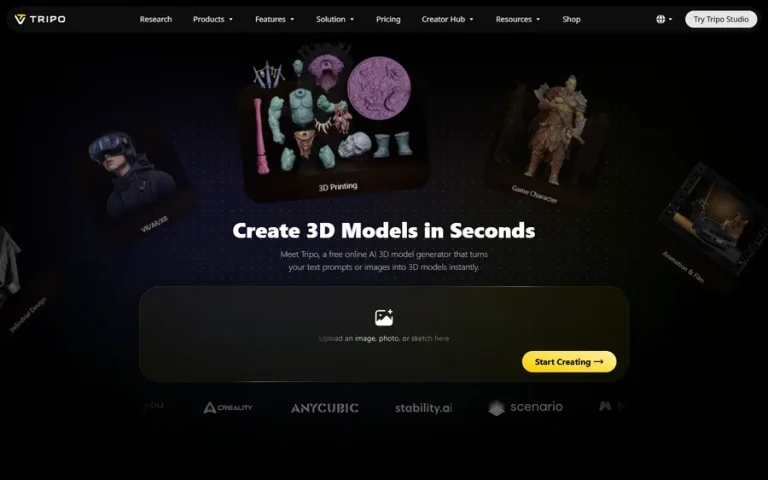
Tripo is built around topology. Its P2.0 model generates quad meshes directly, and its smart low-poly mode targets 1,000 to 20,000 faces. Even in that test written by a Meshy technical artist, Tripo came first on geometry and topology.
- Game settings: quad output, smart low-poly, a face limit, pivot to centre-bottom, forced symmetry and UV export by default.
- Rigging: biped, quadruped, hexapod, octopod, avian, serpentine and aquatic skeletons, with a Mixamo-compatible spec.
- Engines: plugins for Blender, Unity, Unreal, Godot, Maya, 3ds Max, ZBrush and Roblox.
- Price: Pro $20 per month for 3,000 credits, Max $90. A textured PBR model costs about $0.20 on Pro, and Pro lists unlimited free retries.
- Licence: paid users keep their rights, and Tripo’s terms say it won’t use paid users’ inputs or outputs as training data. Free output is public and non-commercial.
- Watch out: the convert step bakes normal and AO detail into the base colour by default, so switch baking off if you want clean PBR maps. Remeshing a rigged model deletes the rig, so fix topology first. API users should set the model version, because the API otherwise uses v2.5, a model from January 2025.
Comparing just these two? Read the full Meshy vs Tripo breakdown.
3. Hyper3D Rodin: best for buildings and size-controlled props#
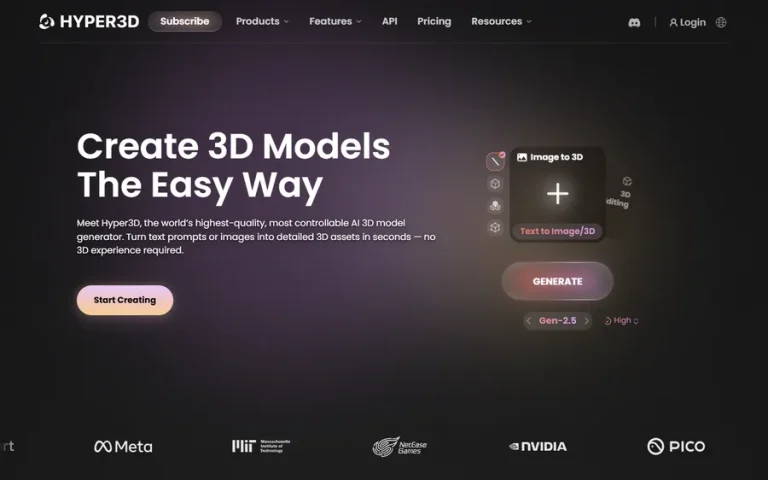
Rodin gives you the tightest size and polygon control. You can pick quad presets of 50K, 18K, 8K or 4K faces, lock the bounding box so a prop fits its space, and force a T or A pose for characters. One developer who couldn’t get Meshy or Tripo buildings under budget put it plainly: “Rodin was used for all buildings.”
- Engines: plugins for Blender, Unity, Unreal and Godot, plus ComfyUI and an MCP server.
- Rigging: templates for UE humans, Unity humans, ActorCore, quadrupeds, birds, dragons and custom skeletons up to 256 nodes.
- Price: Creator $30 per month (about 60 models), Business $120 (about 416 models, with API access). You preview each result before credits are spent, so you don’t pay for rejects.
- Watch out: pick the PBR material mode. The Shaded and Hybrid modes deliberately bake lighting into the colour map, and delighting is off by default. Its Trustpilot score is 2.8 from 57 reviews, with complaints about quality and refunds.
4. Tencent HY 3D: best for clean geometry through an API#
HY 3D is the hosted version of Hunyuan3D 3.x. In the same small Top3D.ai test, it produced the cleanest geometry, with zero non-manifold edges and no manual fixes. It’s also the default model inside Unity’s own 3D generator.
- Game settings: face count from 3,000 to 1.5 million (default 500,000, so set it), plus add-ons for smart topology (50 credits), UV unwrap (10) and auto-rigging (10).
- Price: prepaid packs from $15 for 1,000 credits. A textured PBR model costs 35 credits, about $0.53.
- Licence: the API terms assign output rights to you, so use the API for commercial work.
- Watch out: the default concurrency is 3 jobs, and each extra slot costs $5,000 a month. That’s fine solo and a wall for batch pipelines.
5. Sloyd: best for lots of simple props on a flat fee#
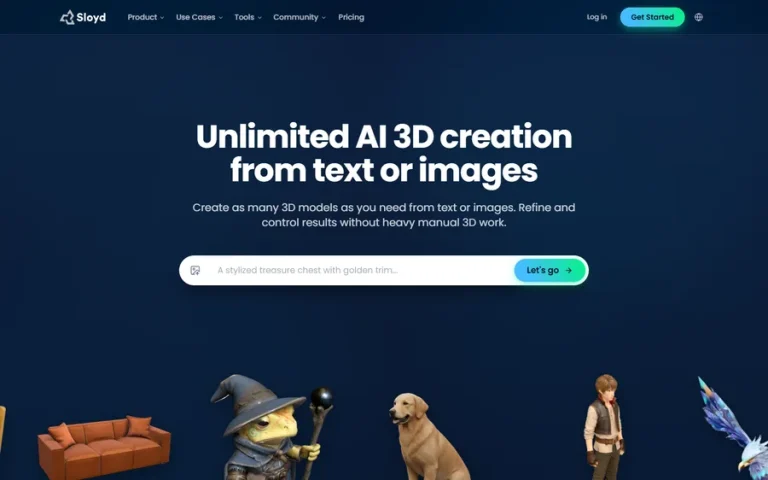
Sloyd charges a flat fee instead of per-model credits. It also has a parametric template editor that builds models from adjustable parts, which suits clean low-poly furniture and props.
- Price: Plus is $15 per month ($12.50 billed yearly) for “unlimited” text and image generations under fair-use limits. Pro is $50 and adds the right to resell assets on marketplaces. The free guest tier allows 1 generation per day for personal use.
- Engines: free plugins for Roblox, Blender, Godot, Maya, Unity and Unreal.
- Watch out: users report a polygon floor around 5,000, and one reviewer waited up to four days for a support reply.
6. Unity 3D Object Generator: best for static props inside Unity#

Unity’s in-editor generator, in open beta since May 2026, drops a prefab with mesh and materials straight into your project. Its default model is Hunyuan 3D 3.0 Pro, and a text generation costs about 8 Unity credits.
- Limits: simple single-part props only. No rigging, no animation. Text prompts make a reference image first.
- Price: included on Unity Pro. Personal users get a trial, then pay $10 per month.
- Useful detail: every asset carries embedded metadata that flags it as AI-generated, which helps when you fill in Steam’s AI disclosure.
7. Autodesk Wonder 3D: best for free experiments#
Autodesk added Wonder 3D to Flow Studio in March 2026. It turns text, images or sketches into 3D, then offers remesh and texture passes. Each generation costs 20 credits on every plan, including the free one.
- Watch out: its launch post lists no export formats or PBR details, and says generated assets “should be reviewed before production use.” Treat it as a sandbox until you’ve checked the output.
8. Free and open source: TRELLIS.2 and Pixal3D in ComfyUI#
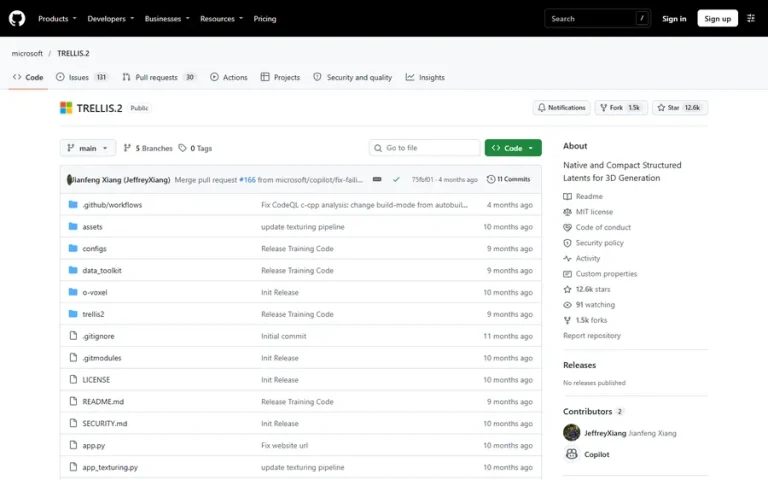
If you have a GPU, you can generate locally for the cost of electricity. The cleanest route is ComfyUI’s native TRELLIS.2 and Pixal3D nodes. ComfyUI rebuilt them without NVIDIA’s non-commercial rendering libraries and calls the result “free to use, including commercially.”
- Hardware: official TRELLIS.2 needs 24 GB of VRAM on Linux. The trellis.cpp port runs it on 16 GB cards, AMD and Apple Silicon. Stable Fast 3D runs on about 6 GB.
- Cloud option: a rented RTX 4090 costs about $0.34 an hour. At roughly 3 minutes per model, that’s a few cents of GPU time each.
- Licence trap: Hunyuan3D 2.1 ranks higher on 3D Arena than TRELLIS.2, but its licence “DOES NOT APPLY IN THE EUROPEAN UNION, UNITED KINGDOM AND SOUTH KOREA” and covers outputs. Any game sold there is exposed, wherever you live.
- Watch out: these models take images, not text, so pair them with an image generator. Installs on Windows can take days.
Tools you’ll still see recommended that no longer work#
Skip these three if a list recommends them. None of them generates anything today.
- Luma Genie shut down on January 1, 2026, yet 2026 “best of” lists still recommend it as the best free option.
- CSM Cube went offline after Google bought Common Sense Machines in January 2026. Its old model, listed as “PicGen3D”, still sits first on 3D Arena.
- Masterpiece X Generate is now a legacy app that no longer loads.
What a usable asset really costs#
Credits are the cheap part of a usable asset. Per textured model, they cost cents:
| Tool and plan | Cost per textured model | With retopology and rig | Rejected attempts |
|---|---|---|---|
| Tripo Pro | ~$0.20 | ~$0.40 | Unlimited free retries |
| Rodin Business | ~$0.29 | ~$0.58 | You only pay for kept results |
| Rodin Creator | ~$0.50 | ~$1.00 | You only pay for kept results |
| HY 3D API | ~$0.53 | ~$1.58 | Failed jobs are free |
| Meshy Pro | ~$0.60 | ~$0.80 | 4 free retries per task |
| Sloyd Plus | ~$0 (flat fee) | ~$0 | Fair-use limits |
| Local TRELLIS.2 | Cents of GPU time | Plus your own retopology | Free |
Now add the human time. One independent review timed 25 minutes of retopology and UV cleanup on a single 42,000-triangle Meshy helmet. A US special-effects artist’s median wage is $49.06 an hour (BLS), so that one cleanup costs about $20 of labour against $0.60 of credits. Outsourcing studio Pixune quotes $500 to $2,500 for one hand-made 3D prop, so AI plus an hour of your own cleanup still costs a fraction of a commission.
So pick the tool whose output needs the least fixing for your asset type, even if its credits cost a little more.
The game-ready checklist#
A model is game-ready when it passes these ten checks:
- Triangle count fits your budget (Quest 2 targets under 750,000 triangles per frame in total, per Meta).
- No holes, floating parts or non-manifold edges.
- Clean UVs without overlaps.
- PBR maps with no lighting painted into the colour.
- Real-world scale in metres.
- Pivot at the base, or at the hinge for doors and lids.
- A simple collision mesh.
- LODs for distance.
- Imports without errors or wrong materials.
- A rig that deforms cleanly, if it moves.
Static props usually pass after decimation, LODs and a scale fix. Characters fail at step 10 most often. In a Meshy technical artist’s 50-asset Unity project, 10 of 15 AI humanoids failed auto-rigging “due to irregular topology.”
From generated mesh to engine: the cleanup pipeline#
- Generate with game limits on. Set a face target, quads or low-poly, and PBR before you generate.
- Clean. Merge vertices by distance, delete loose parts and recalculate normals in Blender.
- Fix scale and pivot. Size it in metres and put the origin where the object rotates or rests.
- Fix topology. Decimate static props. Retopologise anything that deforms, with Blender’s QuadriFlow or Quad Remesher. Quad Remesher’s $59.90 Indie licence is “NOT usable for commercial purpose”, so buy Pro at $109.90 if you sell your game.
- Unwrap and bake. Treat the AI mesh as your high-poly. Bake normals and the base colour onto your clean low-poly. In Blender, tick only “Color” in the Diffuse bake so you don’t bake light into it.
- Shrink textures. Four 4K maps eat about 85 MB of VRAM with mips in BC7. Most props look the same at 1K or 2K.
- Add LODs and collision. Then import.
Batch steps 2, 6 and 7 with the free glTF-Transform command line. Pass flags on purpose, because its optimize command simplifies geometry by default.
Import notes for Unity, Unreal and Godot#
- Unity: import GLB with the glTFast package. glTF packs roughness in the green channel and metal in blue, while URP’s packed map wants metal in red and smoothness (1 minus roughness) in alpha. Repack once with a script. Unity 6.2 and later can generate LODs at import with one checkbox (Mesh LOD). It ignores skin weights, so use it for props, not characters.
- Unreal Engine 5: Nanite renders dense static meshes well on PC and console, but it doesn’t support VR stereo rendering or translucency, and it stores about 14.4 bytes per triangle on disk (Epic). FBX import only connects colour and normal maps automatically. Name collision meshes UCX_ so Unreal picks them up.
- Godot: glTF is the recommended format. Blender exports materials with backface culling off by default, so turn it on before export. Add “-colonly” to a mesh name to import it as collision. More in our guide to using AI with Godot.
Making a 2D game? Render your 3D models into sprite sheets. Our sprite sheet generator guide covers the tools.
Rights, Steam disclosure and how players react#
Who owns AI-generated 3D models#
“Commercial use allowed” doesn’t mean you own a copyright. The US Copyright Office says “the mere provision of prompts” isn’t enough for protection, but your human edits and arrangements can be protected (USCO). Meshy’s own terms warn that output “MAY NOT QUALIFY FOR INTELLECTUAL PROPERTY PROTECTION.”
Steam’s AI disclosure#
Since Valve rewrote its rules in January 2026, code helpers fall outside the disclosure, but AI content in your game or on your store page still counts. One developer’s disclosure shows the honest format: Tripo models “are used as a base for some 3D assets. The developer performs mesh editing, scaling, texture and normal map adjustments.” Full rules in our Steam AI disclosure guide.
How players react#
In a Quantic Foundry survey of 1,799 gamers, 85% rated generative AI in games below neutral (source). Yet AI-disclosed games made up 30.8% of Steam releases in 2026 through July, by Sulka Haro’s count of 53,597 games. Art drew more negativity than other uses, so keep AI models in the background and hand-finish your hero assets. More data in will players punish AI art.
Game jams and asset stores#
GMTK Game Jam disqualifies AI-generated art. TurboSquid bans AI models. Fab, Sketchfab and the Unity Asset Store accept them with an AI tag.
FAQ#
Can AI generate game-ready 3D models?#
Yes for static props, after you decimate, add LODs and fix scale. Not yet for animated characters without retopology and rig fixes. Generators still output dense triangle meshes with no edge loops at the joints.
Is text-to-3D or image-to-3D better for games?#
Image-to-3D. Most text modes generate an image first anyway, so feeding your own concept art keeps style and proportions consistent across a whole set.
What’s the best free text-to-3D tool for games?#
For commercial games, the best free route is TRELLIS.2 or Pixal3D in ComfyUI on your own GPU. Meshy’s free tier works if you credit Meshy under CC BY 4.0. Tripo’s free tier is non-commercial.
Can I sell a game made with AI-generated 3D models?#
Yes. Use a paid plan or a commercially licensed open model, disclose the AI content on Steam, and edit the assets. Your edits are what copyright can protect.
Which AI tool is best for rigged characters?#
Tripo and Rodin. Tripo rigs seven skeleton types with a Mixamo-compatible spec. Rodin offers Unreal, Unity and ActorCore human templates plus custom skeletons. Meshy only rigs humanoids.
How many polygons should a game asset have?#
It depends on your platform’s frame budget. Quest 2 targets under 750,000 triangles per frame in total, so a scene of 100 visible objects averages 7,500 each. Background props usually need far fewer than heroes.